
Media Modals
This method allows apps to interact with the Administration's media modal. Two modal types are supported:
- Media modal: Select existing media from the media library or upload new files. Available since Shopware 6.7.1.
- Save media modal: Choose a specific folder and filename when saving media. Available since Shopware 6.7.5.
ts
import { ui } from "@shopware-ag/meteor-admin-sdk";mediaModal.open()
Open the media modal in the current view.
Usage
ts
ui.mediaModal.open({
  initialFolderId: "initialFolderId",
  allowMultiSelect: false,
  fileAccept: "image/png",
  selectors: ["fileName", "id", "url"],
  callback: ([{ fileName, id, url }]) => {},
});
Parameters
All parameters are similar to the sw-media-modal-v2 component's props.
| Name | Required | Default | Description | Available at Shopware |
|---|---|---|---|---|
initialFolderId | false | null | Initial folder id where the media modal will open | |
entityContext | false | null | The entity name that upload image will be stored in that entity folder in Upload tab | |
allowMultiSelect | false | true | Define single or multiple selection | |
defaultTab | false | library | Defines which tab should be opened by default | |
fileAccept | false | image/* | Define the file types which are allowed to be uploaded in Upload tab | |
selectors | false | ['fileName', 'id', 'url'] | Selected properties which should be returned for each item in the callback array | |
tabs | false | [] | Additional tabs ({ label, locationId }) after the built-in ones; each renders a location of your app for this opening of the modal only. See mediaModal.select() | v6.7.17.0 |
callback | true | Callback function which receives an array of selected media items once a selection is made, or the selection of an additional tab. |
Example
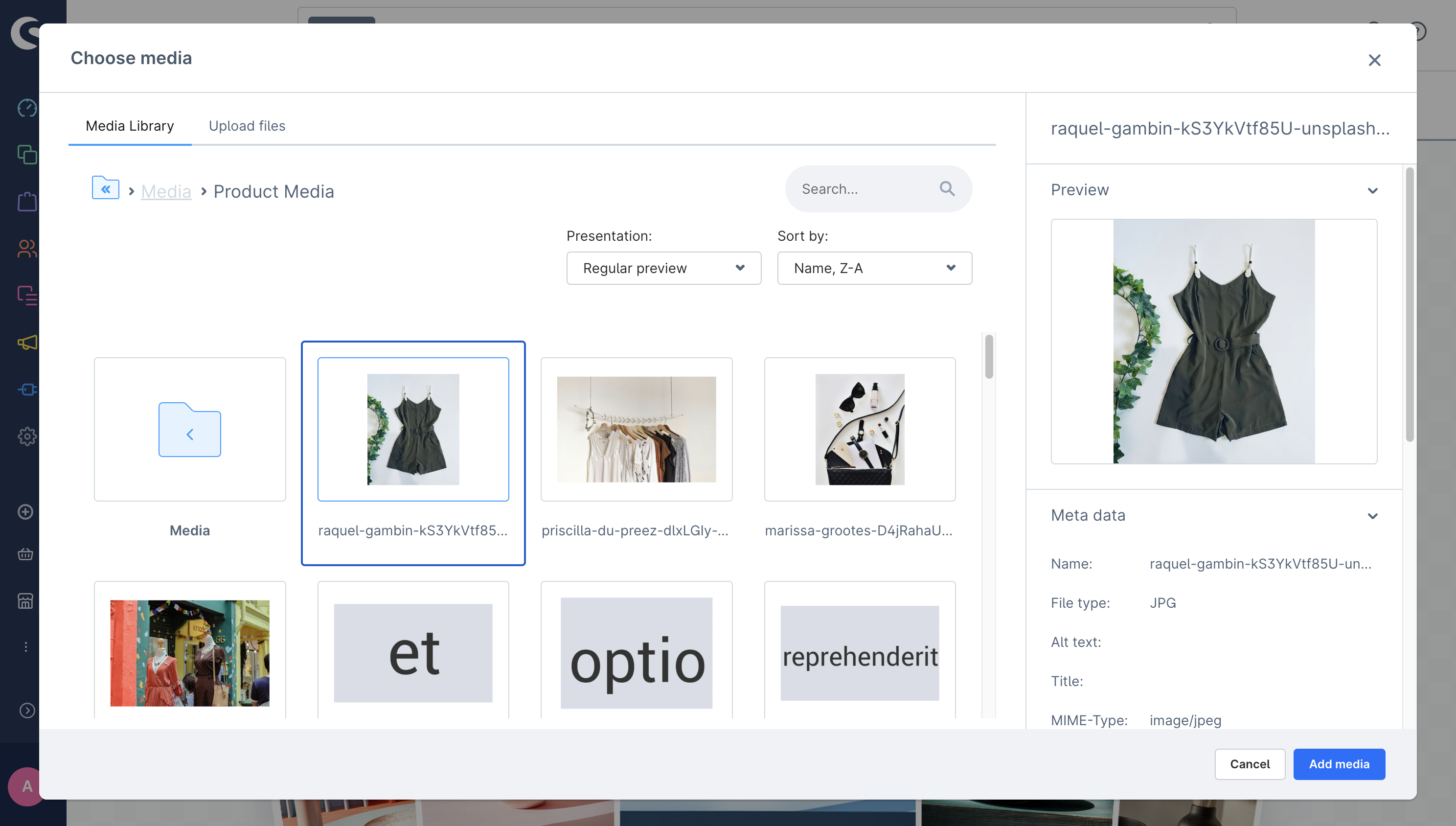
ts
ui.mediaModal.open({
  initialFolderId: "productMediaFolderId",
  allowMultiSelect: false,
  selectors: ["fileName", "id", "url"],
  callback: ([{ fileName, id, url }]) => {},
});
mediaModal.select()
Pass a selection from an additional tab of the open media modal (tabs of mediaModal.open()) to the modal's callback and close the modal. Call it from the location the tab renders. Only the app that opened the modal can select.
Usage
ts
// Where the modal is opened
ui.mediaModal.open({
  tabs: [{ label: "Primitives", locationId: "my-app-primitives-tab" }],
  callback: (selection) => {},
});

// In the location "my-app-primitives-tab"
ui.mediaModal.select({ selection: [{ id: "cube" }] });
Parameters
| Name | Required | Default | Description | Available at Shopware |
|---|---|---|---|---|
selection | true | The selected items, passed unchanged to callback. | v6.7.17.0 |
mediaModal.openSaveMedia()
Open save media modal in the current view.
Usage
ts
ui.mediaModal.openSaveMedia({
  initialFolderId: "initialFolderId",
  initialFileName: "New Image",
  fileType: "png",
  callback: ({ fileName, folderId, mediaId }) => {},
});
Parameters
All parameters are similar to the sw-media-save-modal component's props.
| Name | Required | Default | Description |
|---|---|---|---|
initialFolderId | false | null | Initial folder id where the media modal will open |
initialFileName | false | null | Initial file name of media to set as initial value of file name input |
fileType | false | null | File extension of media to display on file name input's suffix |
callback | true | This callback function is triggered when the "Save media" button is clicked. It returns the updated file name and the folderId where the media is stored. |
Example
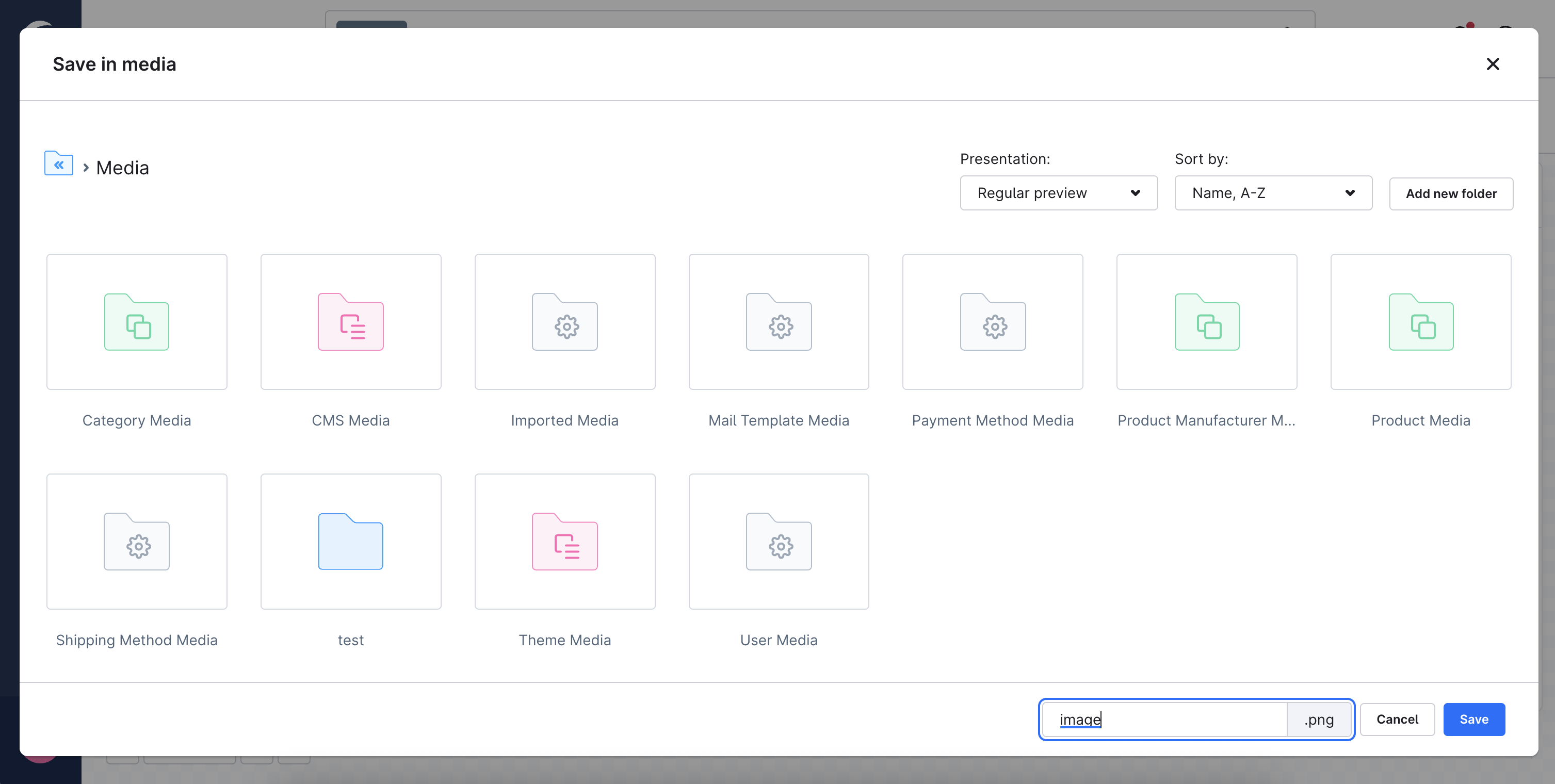
ts
ui.mediaModal.openSaveMedia({
  initialFileName: "images",
  fileType: "png",
  callback: ({ fileName, folderId, mediaId }) => {},
});